How to Choose the Right Color Palette for Your Business Website
Learn about how to choose the right color palette for your business website and how it impacts your business website. Practical insights from FunnelDonkey, S...
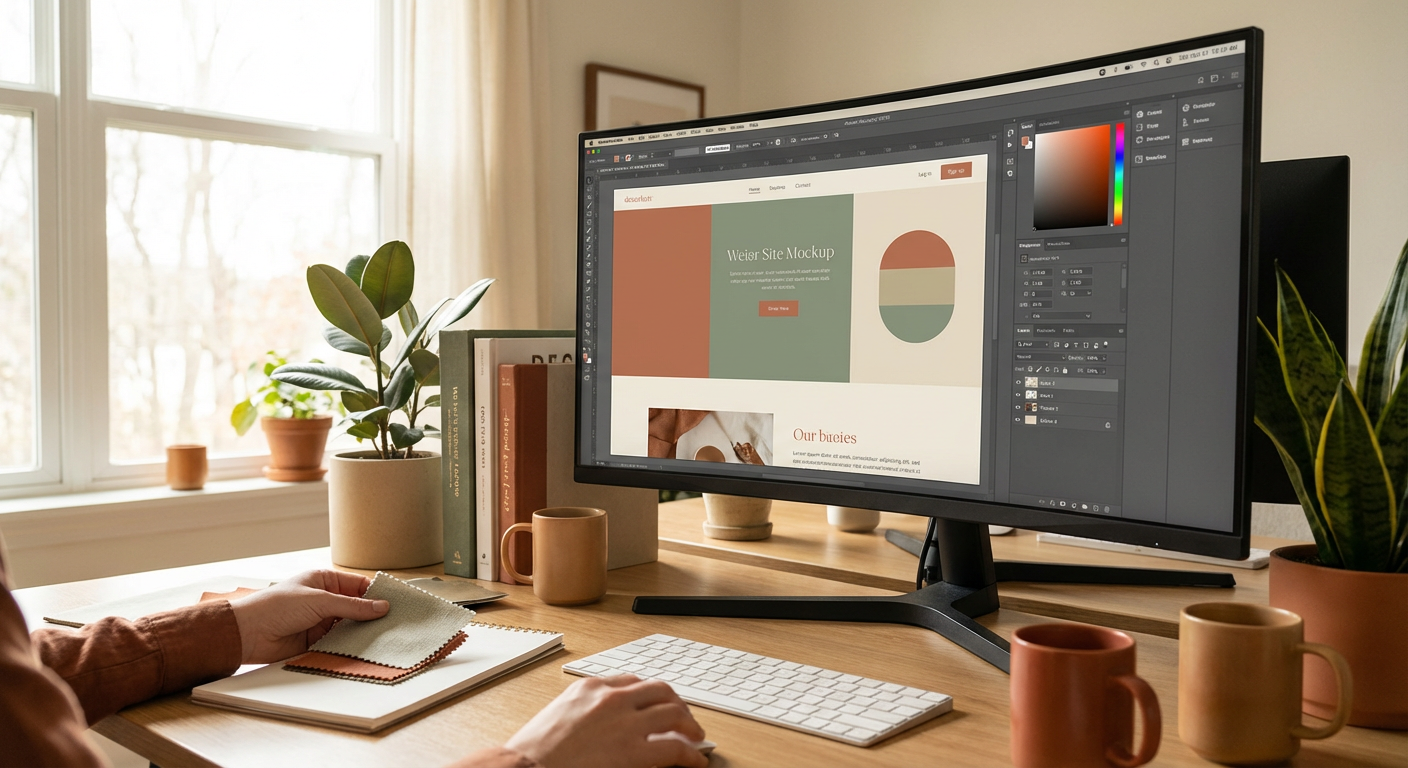
Your Website Isn't a Clown Car: Don't Treat Its Colors Like One
Let's be brutally honest. Most business websites look like they were designed by a committee of kindergarteners arguing over crayons. A splash of electric blue here, a dash of neon green there, and a whole lot of "sure, why not?" in between. The result? A digital kaleidoscope that screams "amateur hour" instead of "expert solutions."
Your website's color palette isn't just about making things pretty. It's a strategic decision, a silent salesperson, a psychological trigger. It influences how visitors perceive your brand, whether they trust you, and crucially, whether they convert. Get it wrong, and you're not just losing aesthetics; you're losing money. You're alienating potential customers before they even read your first headline.
At FunnelDonkey, we don't do "pretty" for pretty's sake. We do strategic design. We craft digital experiences that are not only visually compelling but also meticulously engineered to achieve your business objectives. And it all starts with understanding the power of color.
The Silent Language of Shades: Why Color Matters Beyond "Good Taste"
Think about it: before a single word is read, before a single image registers, color hits the brain. It evokes emotions, builds associations, and sets the tone. It's the ultimate first impressionist.
- Psychological Impact: Certain colors are universally associated with specific feelings. Red often signifies urgency or passion; blue, trust and stability; green, growth and nature. Your palette can literally steer your visitors' emotional state.
- Brand Identity & Recognition: Iconic brands are often recognizable by their colors alone. Think target red, Tiffany blue, or Coca-Cola red. Your unique palette solidifies your brand's presence in the mind of your audience.
- Usability & Accessibility: A well-chosen palette enhances readability, guides the user's eye, and ensures your site is accessible to everyone, including those with visual impairments. Poor contrast can be a conversion killer.
- Conversion Driver: The right colors can highlight calls to action, create a sense of urgency, or foster a feeling of security, gently nudging visitors towards the desired outcome.
Ignoring this is like trying to sell luxury cars out of a bright yellow, polka-dotted ice cream truck. It sends conflicting signals, and your audience, quite frankly, gets confused and drives away.
"Color is a power which directly influences the soul." - Wassily Kandinsky
Beyond "I Like Blue": Decoding Your Brand's True Colors
Choosing a color palette isn't about your personal favorite hue. It's about your brand, your audience, and your goals. This isn't interior decorating; it's strategic marketing.
Step 1: Know Thy Brand (And Thy Audience)
Before you even open a color picker, you need a crystal-clear understanding of your brand's core identity. Ask yourself:
- What are your brand values? Are you innovative, traditional, playful, serious, luxurious, affordable?
- What is your brand personality? Are you a rebel, a mentor, a sage, an innocent, a hero?
- Who is your target audience? What are their demographics? What problems do you solve for them? What are their aspirations? How do they typically respond to different colors?
- What emotion do you want to evoke? Trust, excitement, calm, urgency, sophistication?
For instance, a law firm website needs to exude trustworthiness and professionalism, leaning towards blues, grays, and perhaps subtle greens. A children's toy store, on the other hand, can embrace vibrant, playful colors like reds, yellows, and oranges.
Step 2: Understand the Psychology of Color (The Cliff Notes Version)
While cultural nuances exist, here's a quick rundown of common color associations in Western cultures:
- Red: Passion, energy, urgency, danger, excitement. Use sparingly for accents, calls to action, or high-energy brands.
- Orange: Enthusiasm, creativity, warmth, affordability, fun. Great for brands wanting to appear approachable and friendly.
- Yellow: Optimism, cheerfulness, youth, happiness. Can be challenging to use as a primary color; often best as an accent.
- Green: Nature, growth, health, prosperity, freshness, tranquility. Excellent for eco-friendly brands, health, or finance.
- Blue: Trust, stability, professionalism, calmness, intelligence, security. A perennial favorite for corporate, tech, and healthcare.
- Purple: Luxury, royalty, creativity, wisdom, spirituality. Often used for high-end products, beauty, or unique brands.
- Pink: Femininity, sweetness, romance, playfulness. Modern shades can also convey sophistication.
- Brown: Earthiness, reliability, comfort, durability. Good for natural, organic, or rustic brands.
- Black: Sophistication, power, elegance, formality, mystery. Often used for luxury, fashion, or modern tech.
- White: Purity, cleanliness, simplicity, minimalism, freshness. Essential for readability and creating breathing room.
- Gray: Balance, neutrality, sophistication, professionalism. A versatile primary or secondary color.
Don't just pick your favorite. Pick the colors that speak your brand's truth.
Step 3: Competitor & Industry Analysis: Don't Reinvent the Wheel (Unless You're Trying To)
Take a hard look at your direct competitors. What colors do they use? Are they all doing the same thing? This isn't about copying; it's about strategic differentiation.
- Blend In: If your industry has a strong, established color language (e.g., blue for finance, green for health), you might choose to leverage that trust.
- Stand Out: Alternatively, if everyone is using the same tired palette, you might purposefully choose a contrasting scheme to grab attention and signal your unique approach. This requires careful execution to ensure it still resonates with your audience.
It's about making an informed decision, not just a guess.
Building Your Palette: The Art (And Science) of Harmony
Once you understand the 'why,' we move to the 'how.' A successful color palette is more than just a collection of pretty colors; it's a harmonious system.
The 60-30-10 Rule: Your Design Cheat Sheet
This classic interior design rule applies beautifully to web design:
- 60% Dominant Color: This is your main background color, often a neutral or a muted version of your brand's core color. It grounds your design and provides visual breathing room.
- 30% Secondary Color: This supports your dominant color and provides contrast. Use it for headings, subheadings, sections, or supporting graphics.
- 10% Accent Color: This is your punchy, vibrant color – typically your most energetic hue. Reserve it for critical calls to action, important icons, or elements you want to draw immediate attention to. This is where your booking funnel buttons truly shine.
This rule ensures balance and prevents your site from looking like a chaotic explosion of color.
Color Scheme Types: Finding Your Harmony
Color theory offers several tried-and-true schemes:
- Monochromatic: Uses different shades, tints, and tones of a single color. Creates a very cohesive, sophisticated, and soothing look. Great for minimal brands.
- Analogous: Uses colors that are next to each other on the color wheel (e.g., blue, blue-green, green). Creates a harmonious, natural, and comfortable feel.
- Complementary: Uses colors directly opposite each other on the color wheel (e.g., blue and orange, red and green). Creates high contrast and visual excitement. Perfect for drawing attention to specific elements but needs careful balancing (often one color dominates, the other is an accent).
- Triadic: Uses three colors evenly spaced on the color wheel. Offers strong visual contrast while maintaining balance. Can be vibrant and energetic.
- Tetradic (Double Complementary): Uses two pairs of complementary colors. This is the most complex scheme and can be challenging to balance effectively, but offers rich, diverse possibilities.
Online tools like Adobe Color or Coolors can help you generate these schemes quickly and preview their impact.
Practical Application: Where Colors Live on Your Website
Knowing your palette is one thing; knowing where to deploy each color is another. Every pixel should serve a purpose.
- Primary Call-to-Action (CTA) Buttons: This is where your accent color earns its keep. Make it pop, but ensure it contrasts well with its surroundings. This is crucial for guiding users toward conversions, whether it's "Learn More," "Get a Quote," or "Buy Now."
- Headings & Subheadings: Often a darker shade of your secondary color, or black/dark gray for maximum readability.
- Body Text: Almost always dark gray or black on a white or light background. Readability is paramount. Don't get cute here.
- Backgrounds: Your dominant color, typically a neutral or muted tone. Provides a calming canvas for your content.
- Links: Differentiated from body text, often with an underline and a unique color (usually a shade of your primary or secondary).
- Forms & Input Fields: Keep these clean and user-friendly. Subtle borders and clear labels.
- Hover States: A slight shade change on buttons or links when hovered over provides excellent user feedback.
Remember, consistency is king. Once you establish your palette, stick to it. Your brand relies on it.
The Devil's in the Details: Accessibility and Testing
A beautiful palette is useless if half your audience can't read your content. Accessibility isn't an afterthought; it's a non-negotiable.
Contrast Ratios: Not Just for Designers
Ensure sufficient contrast between text and background colors. This isn't just for sight-impaired users; it benefits everyone, especially on different screen types and in varying lighting conditions.
- WCAG Guidelines: Aim for a minimum contrast ratio of 4.5:1 for normal text and 3:1 for large text. Numerous free online contrast checkers can help you verify this.
- Don't Forget Buttons & Icons: Ensure your call-to-action buttons not only stand out but also have readable text against their background.
Ignoring contrast ratios is a surefire way to frustrate visitors and drive them away, regardless of your otherwise stunning web design.
Responsive Design & Device Testing
Your colors need to look good and function correctly on every device: desktop, tablet, and mobile. What looks good on a large, calibrated monitor might be illegible on a small phone screen in bright sunlight.
Test your site on various devices to ensure your color choices maintain their integrity and readability across the board. This is part of the meticulous attention to detail we bring to every website we build in St. George and beyond.
A/B Testing: Let the Data Decide
While color psychology provides excellent guidelines, sometimes the data tells a different story. If you're struggling with conversion rates on a particular element, consider A/B testing different color options for your call-to-action buttons or key sections.
Run experiments on specific elements (e.g., red vs. green CTA button) and analyze the results. Sometimes, a subtle color tweak can yield significant improvements in your conversion rates. Don't assume; test.
Common Color Mistakes (And How to Avoid Them So You Don't Look Like an Ass)
You're smart; you've read this far. Don't fall prey to these common blunders:
- Too Many Colors: More than 3-5 primary colors (excluding neutrals like white/black/gray) usually leads to visual chaos. Keep it tight.
- Poor Contrast: Light gray text on a slightly darker gray background is a designer crime. Make it readable or don't use it.
- Ignoring Brand Identity: Choosing trendy colors that don't align with your brand values is a fast track to confusing your audience.
- Lack of Consistency: Using different shades of "blue" across different pages or elements dilutes your brand's visual identity. Define your hex codes and stick to them.
- Overlooking Cultural Meanings: While less common for local businesses, if you have an international audience, be aware that colors carry different meanings across cultures.
- Forgetting About Negative Space: White space (or negative space, regardless of its actual color) is crucial. It’s part of your palette. It lets your other colors breathe and your content stand out.
Your website is an investment. Treat its design, especially its colors, with the strategic importance it deserves. It affects everything from user experience to your SEO rankings, as bounce rates increase when users can't navigate easily or find content difficult to read.
The FunnelDonkey Approach: Strategic Color for Serious Results
At FunnelDonkey, we don't just pick pretty colors. We engineer visual strategies that drive business outcomes. We understand that your website isn't a digital brochure; it's a powerful tool for customer acquisition and retention.
When you partner with us for web design, we dive deep into your brand, your audience, and your business goals. We craft color palettes that:
- Resonate: Speak directly to your target audience on an emotional and psychological level.
- Differentiate: Make you stand out from the competition, positioning you as an authority.
- Convert: Guide users seamlessly through your sales funnel, turning visitors into loyal customers.
- Perform: Load quickly (because we all know speed kills sales), are accessible, and look stunning on any device.
Whether you're looking for compelling SEO in Cedar City or a complete website overhaul, your visual branding is a critical component of your digital success.
We've helped businesses across St. George, Hurricane (yes, even Hurricane!), and beyond build websites that are beautiful, functional, and relentlessly effective.
Ready to ditch the crayon box and embrace a truly strategic color palette? Want a website that doesn't just look good but actually performs?
Calculating Your Digital Advantage: Get More Than Just Pretty Colors
Wondering what a professionally designed, conversion-focused website could cost? Or what kind of ROI you could expect from a strategic digital presence?
We believe in transparency and empowering our clients with information. Check out our handy tools:
- Estimate your project: Our website cost estimator gives you a clear picture of investment.
- Project your returns: Use our ROI calculator to understand the potential financial impact of a high-performing site.
These aren't just numbers; they're the foundation of a smarter digital strategy.
Ready to Paint Your Digital Future with Precision?
Stop guessing with your website's colors. Stop settling for "good enough." Your business deserves a digital presence that’s as sharp, confident, and professional as you are.
At FunnelDonkey, we don't just build websites; we build revenue machines. We combine artistry with analytics, psychology with performance, to deliver results that speak for themselves.
Let's create a digital masterpiece that converts. No clown cars, just carefully curated excellence.
Don't let your competition steal the show with a dull palette. Talk to the experts who understand that color is king.
View Our Pricing & Packages Schedule a Consultation