Dark Mode Design: When and How to Do It Right
Unlock the shadow realm. Dark mode: your new secret weapon for eye-popping UX. 🚀
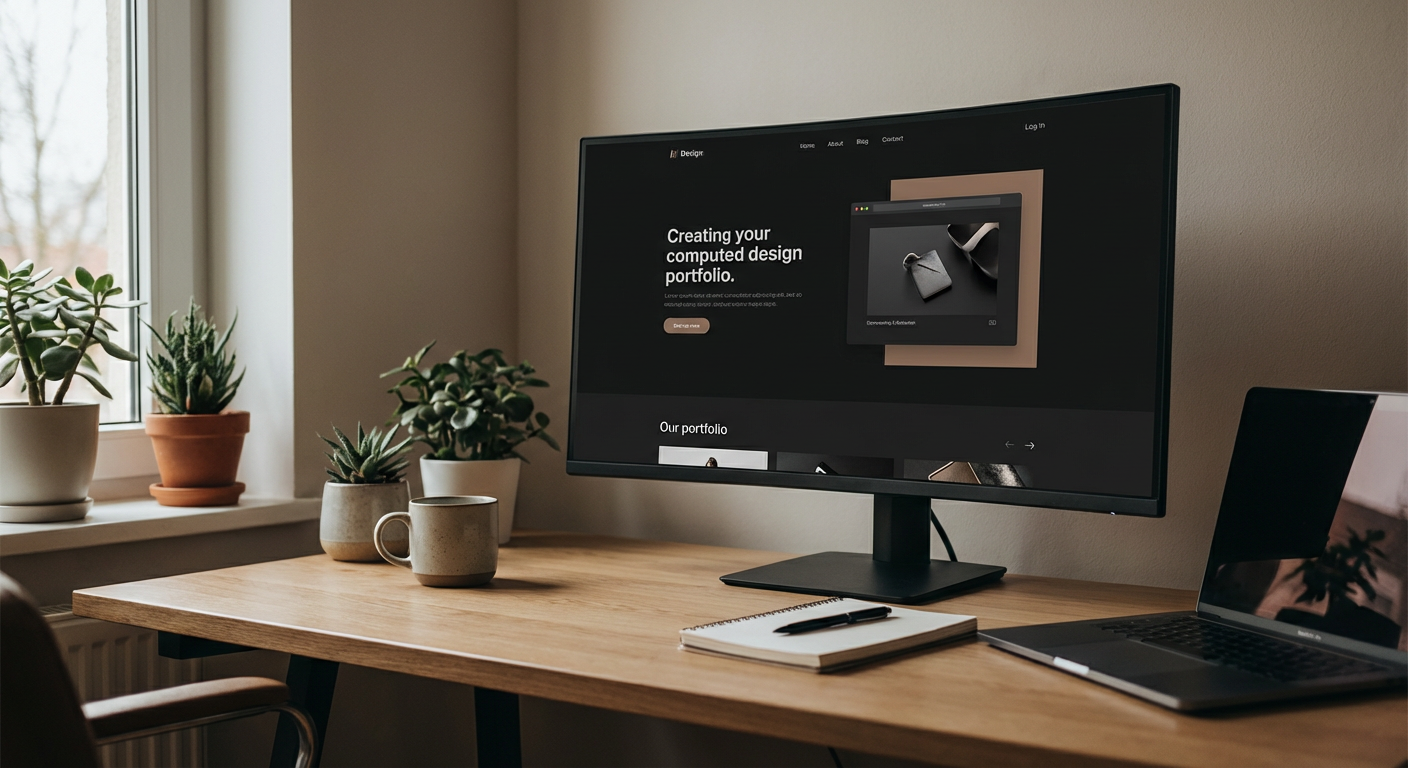
The Siren Song of Sith-Lord Aesthetics: Is Dark Mode Your Website's Destiny?
Let's face it, your website's currently glowing like a disco ball in a blackout, and you're wondering if dimming the lights is the secret sauce. Before you dive headfirst into the abyss of #000000 backgrounds, let's have a frank, no-BS conversation about dark mode. It's not just a trend; it's a powerful design choice that, when done right, can elevate your brand. When done wrong? Well, it can make your users feel like they've stumbled into a poorly lit dive bar on a Tuesday.
Why the Dark Side Appeals: Beyond the 'Cool Factor'
Yeah, yeah, dark mode looks sleek. It’s the digital equivalent of a sharp tuxedo or a killer leather jacket. But the allure runs deeper than mere aesthetics. It’s about user experience, accessibility, and even a subtle nod to sophistication.
Think about it: bright screens can be jarring. Especially at night, or for users who are sensitive to light. A well-executed dark theme can be a soothing balm for tired eyes, making prolonged browsing a much more comfortable affair. It’s like offering your website visitors a comfy recliner instead of a hard plastic chair.
And let's not forget the perceived reduction in eye strain. While the science is still debated, many users *report* feeling less fatigue with dark interfaces. If your audience is spending significant time on your site, this is a benefit you can't ignore. It's the kind of detail that turns a fleeting visit into a loyal return.
Key Benefits at a Glance:
- Reduced Eye Strain: Particularly for prolonged use and in low-light environments.
- Enhanced Readability (for some): Certain color palettes pop beautifully against dark backgrounds.
- Battery Savings (on OLED screens): A tangible benefit for mobile users.
- Modern & Premium Feel: It screams 'we're design-conscious.'
The ROI of Darkness: When Does Dark Mode Make Business Sense?
This isn't just about making your site look good in the shadowy corners of the internet. Dark mode can actually impact your bottom line. But like any powerful tool, it needs to be wielded with precision. So, when should you even consider this dramatic shift?
First, consider your audience and their typical usage patterns. Are your users primarily accessing your site on mobile devices late at night? Do they tend to be tech-savvy individuals who appreciate cutting-edge design? If the answer is a resounding 'yes,' then dark mode is likely a strong contender.
Second, think about your brand identity. Does a dark, sophisticated, or even slightly edgy aesthetic align with your overall brand personality? If you're selling fluffy kittens online, a pitch-black theme might feel a bit… off. But if you're a luxury brand, a cutting-edge tech company, or a creative agency (like us!), darkness can be your best friend.
Third, evaluate the content of your website. Is it heavily visual? Does it rely on bold imagery or sleek typography? Dark themes are fantastic for making images and specific types of content truly *leap* off the screen. Think art galleries, photography portfolios, or product showcases.
Finally, consider the competition. Are your rivals rocking the dark side? If so, it might be time to differentiate. If not, adopting it could position you as a forward-thinking leader in your niche. Just don't do it purely to be different; it needs to serve a purpose.
The Darker Side: Pitfalls to Avoid Like a Bad Pop-Up Ad
Now, let’s get real. The internet is littered with websites that thought dark mode was a magic bullet, only to end up with a reading experience akin to deciphering ancient hieroglyphs in a dimly lit pyramid. This isn't about simply inverting colors. Oh no, that's the fast track to disaster.
The most common crime? Insufficient contrast. You've got your dark background, great. Now you slap on some gray text that’s barely discernible. Congratulations, you’ve just made your content inaccessible to a significant portion of your audience. Remember, just because *you* can read it in your perfectly calibrated office doesn't mean everyone else can on their phone with their screen brightness at 10%.
Another pitfall is overdoing the colors. Black and white is classic. Black and a single, vibrant accent color can be powerful. But suddenly peppering your dark interface with a rainbow of neon? That’s not sophisticated; it’s chaotic. It screams amateur hour.
And don't even get me started on accessibility. This isn't just a 'nice-to-have.' If your dark mode implementation violates WCAG guidelines, you're not just alienating users; you're potentially opening yourself up to legal trouble. Sites that focus solely on glitz over function, like some templates on DIY platforms, often fall short here.
Ghosting Your Users: The Problem with Low Contrast
This is the cardinal sin. You might think a nearly-black text on a slightly-less-black background looks moody and cool. Your users think it looks like they need a magnifying glass and a PhD in optical physics. Sufficient contrast isn't just for the visually impaired; it’s for everyone squinting at their screen on a sunny day. Use contrast checkers religiously. Seriously. Google 'contrast checker' right now if you haven't.
When Dark Mode Goes Neon: The Color Calamity
Dark mode isn't an excuse to unleash every color in the Pantone spectrum. It thrives on restraint. A deep, dark background allows a single, well-chosen accent color to truly shine. Think jewel tones, electric blues, or vibrant reds. Throwing in too many competing hues dilutes the impact and creates visual noise. It's like wearing a black suit with a neon green tie, mismatched socks, and a glittery hat – it just doesn't work.
Executing the Dark Arts: Best Practices for a Killer Dark Theme
So, you're ready to embrace the shadows. Excellent. But how do you do it right? It’s not just about picking a dark color; it’s about a thoughtful, deliberate design approach.
Start with your colors. Instead of pure black (#000000), opt for a very dark gray (like #121212, often used in Material Design) or a deep charcoal. Pure black can sometimes cause a… halo effect around text on certain screens. For your text, avoid pure white. A slightly off-white or light gray provides better contrast without being overly harsh. Aim for a contrast ratio of at least 4.5:1 for body text and 3:1 for large text, as per WCAG guidelines.
Consider your typography. Dark backgrounds are fantastic for making bold fonts really pop. However, avoid extremely thin fonts as they can become hard to read. Ensure there’s enough spacing between letters and lines to maintain legibility.
Think about elevation and depth. In a dark UI, how do you show which elements are "on top" or more important? Use subtle shadows or lighter shades of your dark background color to create hierarchy. It’s about adding layers, not harsh lines.
And for the love of all that is holy, test, test, and then test again. On different devices, under different lighting conditions, and with actual users. What looks great on your ultra-wide monitor might be unreadable on a budget smartphone.
- Subtle Backgrounds: Don't use pure #000000. Think deep grays or dark blues.
- Refined Text Colors: Off-whites and light grays are your friends.
- Strategic Color Palettes: Use accent colors sparingly and intentionally.
- Typography Matters: Ensure fonts are legible and well-spaced.
- Hierarchy is Key: Use subtle variations in shade to guide the eye.
Light Mode vs. Dark Mode: Making Your Site Switch-Friendly
The smartest move? Don't force your users into the dark. Give them a choice. Most modern operating systems and applications now have a system-wide dark mode setting. Your website should ideally respect that.
Implementing a user-toggle is non-negotiable for a premium experience. This allows users to switch between light and dark themes based on their preference or ambient lighting conditions. It’s the digital equivalent of offering both filtered and unfiltered water – catering to every taste.
Think about how this might look on a site like a blog or an e-commerce platform. Someone browsing clothing at work might prefer light mode, while someone browsing late-night deals might switch to dark. Respecting these preferences builds goodwill and keeps users engaged.
When building this toggle, ensure it uses local storage so the user’s preference is remembered on their next visit. Nobody wants to reset their theme every single time they land on your page. That’s just bad manners from a UX perspective.
If you’re building on a platform like Wix or Squarespace, check how robust their dark mode and user-preference options are. Often, the built-in solutions can be limiting, forcing you into generic designs that don't truly reflect your brand. A custom-built solution or a well-developed theme offers far more control.
The Power of Choice: Let Them Decide
The ultimate sign of a sophisticated design is offering flexibility. A simple toggle button, often placed in the header or footer, allows users to switch between your light and dark designs. This caters to individual preferences, improves accessibility, and shows you care about the user experience.
Remembering Preferences: The Silent Nod of Approval
Once a user makes their choice, don't forget it. Use browser local storage to save their preference. This means if they leave your site and come back later, or even navigate to a different page, their chosen theme remains active. It’s a small touch that goes a long way in creating a seamless and personalized experience.
When to Just Say No: It's Not for Everyone
As much as we love a good dark theme, let's be brutally honest: it’s not always the right fit. Pushing dark mode onto a website where it doesn't belong is like putting a goalie mask on a librarian. It’s confusing and, frankly, a bit silly.
If your site relies heavily on vibrant, full-color imagery, a dark background might actually mute those colors, making them appear dull. Think of a nature photography site with breathtaking sunsets or a vibrant art gallery – forcing those images into a dark UI can kill their impact.
If your primary demographic consists of older users who might already struggle with smaller text or lower contrast, introducing a dark theme without rigorous testing and user feedback can be a risky move. Readability needs to be paramount.
And if your brand identity is inherently light, airy, and bright, a dark theme can feel like a betrayal of your core aesthetic. Does your brand scream ‘sunshine and rainbows’? Then maybe stick to sunshine and rainbows.
Ultimately, the decision should stem from strategic thinking, not just a fleeting trend. If a dark theme doesn’t serve your users or your brand, then the best design choice is often to stick with a well-executed light theme. There’s no shame in mastering the basics before diving into the advanced techniques.
Dark Mode: Your Website's Makeover or Its Downfall?
Dark mode is more than just a visual gimmick; it’s a powerful UI design trend that can enhance user experience, boost brand perception, and even save battery life. But like any powerful design choice, it demands respect and careful execution.
When implemented thoughtfully, with a keen eye on contrast, accessibility, and user preference, a dark theme can transform your website from generic to unforgettable. It can make your content shine, your brand feel premium, and your users feel seen.
However, rushing into it without understanding its nuances can lead to illegible text, poor user experiences, and a brand image that’s more 'haunted house' than 'high-end.' It’s crucial to assess if it aligns with your audience, your brand, and your content.
At FunnelDonkey, we understand the power and the peril of design trends like dark mode. We build websites that aren’t just visually stunning but also strategically sound, driving real results for businesses right here in St. George and beyond. We know that great design is about more than just looking good; it's about performing brilliantly.
Ready to Illuminate Your Online Presence (or Dim It Wisely)?
Whether you’re drawn to the sophisticated allure of dark mode or need a blazing-fast, conversion-optimized website in any theme, FunnelDonkey is your partner. We craft digital experiences that speak to your audience and drive tangible business growth. We’re not just building websites; we’re building your online engine.
Don't let your website get lost in the digital noise. Let's discuss how a strategic design approach, whether it embraces darkness or thrives in the light, can elevate your brand. Think beyond the basic templates offered by platforms like Wix or GoDaddy – let's build something truly unique and effective.
Still unsure if dark mode is your website's future? Let's talk. We offer a free consultation to explore your needs and design the perfect online experience for your business. We also specialize in helping local St. George businesses dominate their digital landscape with services like local SEO.