Accessibility in Web Design: Why It Matters for SEO and Sales
Learn about accessibility in web design: why it matters for seo and sales and how it impacts your business website. Practical insights from FunnelDonkey, St....
Good Design Isn't Just Pretty. It’s Accessible. And Profitable.
Let's cut the fluff. You’ve heard of web design. You’ve probably heard of SEO. But “web accessibility”? For many business owners, it’s still vaguely-defined territory. Something for the compliance team, right?
Wrong. Dead wrong.
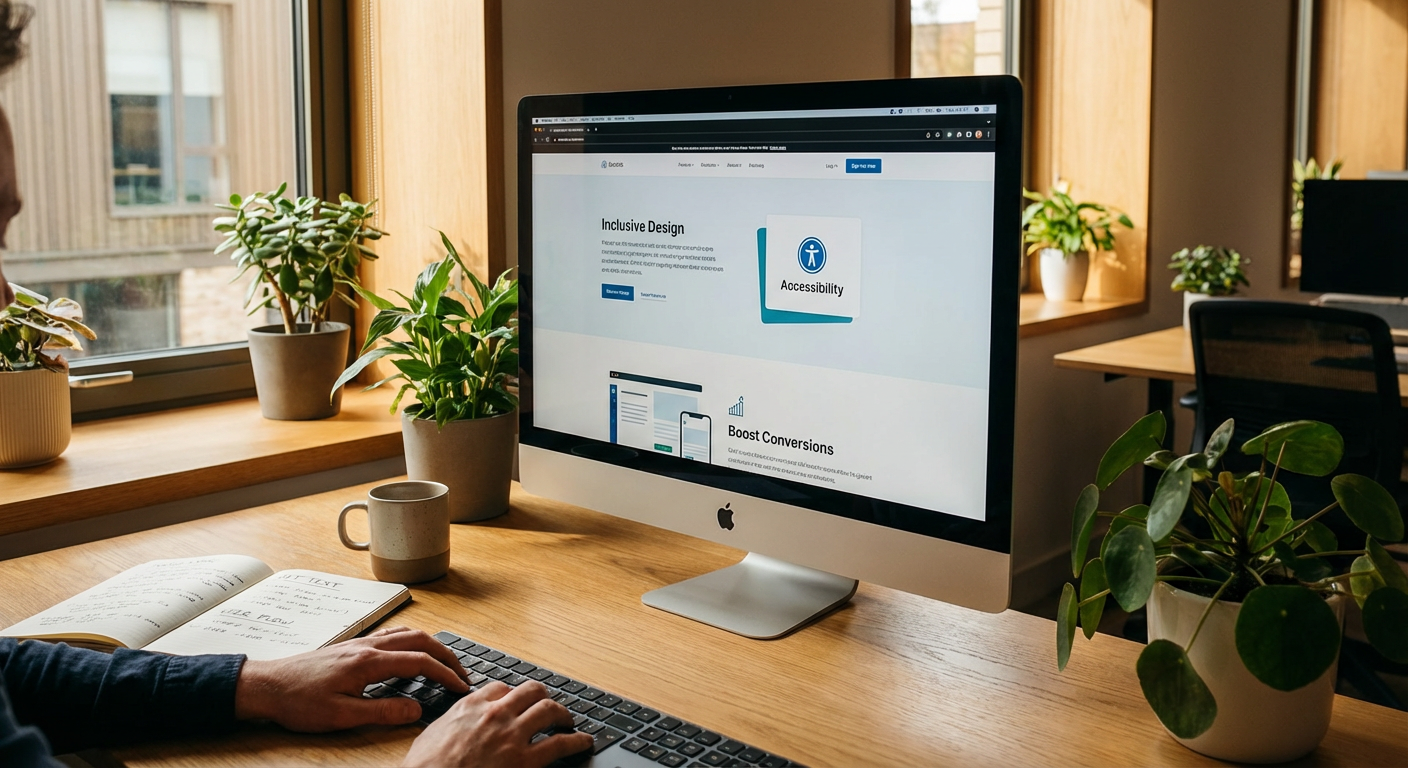
Web accessibility isn't some niche, do-gooder initiative. It’s fundamental to good design, powerful SEO, and critically, your bottom line. It’s about building a digital space where everyone—and we mean everyone—can engage with your brand, products, and services.
Ignore it at your peril. Embrace it, and watch your reach, rankings, and revenue climb.
What Exactly Is Web Accessibility? (No, It's Not Just For The Blind)
Think beyond ramps and Braille. Digital accessibility applies the same principles to the online world. It means designing and developing websites so that people with disabilities can perceive, understand, navigate, and interact with the web.
This isn't a small group. According to the CDC, 1 in 4 adults in the United. States has some type of disability. That’s a massive market segment being underserved by inaccessible websites.
Who Benefits From Web Accessibility?
It's not just a single demographic. Accessibility covers a broad spectrum of needs:
- Visual impairments: Blindness, low vision, color blindness. These users rely on screen readers, high contrast modes, and robust keyboard navigation.
- Hearing impairments: Deaf or hard of hearing. They need captions, transcripts, and visual cues for audio content.
- Motor impairments: Limited use of hands or difficulty with fine motor control. Keyboard navigation, voice control, and assistive tech integration are crucial.
- Cognitive impairments: Dyslexia, ADHD, learning disabilities. Clear language, predictable navigation, and uncluttered layouts are key.
- Situational disabilities: Ever tried to watch a video on public transport without headphones? That's a situational hearing impairment. Or navigating a site with a broken arm? Situational motor impairment.
- Technological limitations: Slow internet connection, old devices. Well-structured, lean code benefits everyone.
"Accessibility isn't about edge cases. It's about designing for the full spectrum of human experience, which ultimately makes a better product for everyone."
The Hard Truth: Why Inaccessible Websites Are Bad For Business
Let's be blunt. If your website isn't accessible, you're not just missing out; you're actively hindering your potential. This isn't just about good karma; it’s about good business.
You're Turning Away Customers (And Their Money)
Imagine a brick-and-mortar store with a staircase but no ramp. How many potential customers do they lose? Now translate that to your website.
If a user with a visual impairment can't navigate your menu, they can't buy your product. If someone with an auditory processing disorder can't understand your explainer video without captions, they're gone. That's pure, unadulterated revenue walking out the digital door.
This isn't a hypothetical. It's a daily occurrence for businesses with inaccessible online presences.
Your SEO Is Taking a Hit (Whether You Realize It Or Not)
Google doesn’t just like accessible websites; it rewards them. Think about it: many accessibility best practices align perfectly with SEO best practices.
- Clear, semantic HTML: Screen readers love it, and so do search engine crawlers. A well-structured page with proper heading tags (h2, h3, etc.) communicates hierarchy clearly to both a human using a screen reader and a search bot.
- Image Alt Text: Essential for visually impaired users. Also gold for SEO – it tells robots what your images are about, improving image search rankings and overall context.
- Video Transcripts & Captions: A lifeline for the hearing impaired. For SEO, it means more indexable content, richer keywords, and better ranking potential for your video content.
- Keyboard Navigation: Crucial for motor-impaired users. A site that's fully navigable by keyboard is also a site that search bots can crawl more effectively. Dead links or unclickable elements are bad for everyone.
- Fast Load Times: A benefit for slow internet connections and old devices, but also a core ranking factor for Google. Performance optimization is accessibility.
- Clear Link Text: "Click here" is vague and unhelpful. Descriptive link text (e.g., "Learn more about Our Web Design Services") aids screen readers and helps search engines understand your site's architecture.
When you invest in accessibility, you're inherently investing in a stronger SEO foundation. It's not a separate budget item; it's a synergistic approach. Seriously, if you're not factoring accessibility into your SEO strategy, you're missing a trick.
Legal Risks & Reputation Damage
The number of accessibility lawsuits against businesses is rising. The Americans with Disabilities Act (ADA) applies to websites too. Depending on your industry and location, failing to provide an accessible experience can lead to hefty legal fees, settlements, and a PR nightmare.
Beyond legal obligations, there's your brand's reputation. Do you want to be known as the company that excludes an entire segment of the population? Or the one that champions inclusivity?
Choosing to ignore accessibility is choosing to risk your bank account and your brand image. Not a smart move.
The Good News: How Accessibility Drives Sales & Growth
Okay, enough doom and gloom. Let's talk about the upside. Because there’s a big one.
Expand Your Market Share
If 1 in 4 adults has a disability, making your site accessible immediately opens up your business to millions of new potential customers. That's an untapped market that your competitors are likely ignoring.
Why wouldn't you want a piece of that pie?
Improve User Experience For Everyone
Think about features originally designed for accessibility that now benefit everyone:
- Closed captions: Great for the hearing impaired, also invaluable for watching videos in noisy environments or when you don't want to disturb others.
- Voice control: Essential for motor impairments, also useful for hands-free searching while cooking or driving.
- Clear navigation: Vital for cognitive impairments, but frankly, everyone appreciates a website that's easy to navigate, regardless of their abilities. Have you ever been frustrated by a cluttered menu? See our thoughts on what should be above the fold for a cleaner user experience.
When you design with accessibility in mind, you inherently design a better, more intuitive, and frankly, more enjoyable experience for all your users. And a better user experience leads to higher engagement, lower bounce rates, and ultimately, more conversions.
Boost Your Brand Image & Loyalty
Businesses that actively prioritize accessibility are seen as ethical, inclusive, and forward-thinking. This builds trust and fosters loyalty.
When customers feel valued and respected, they're more likely to return, recommend your brand, and evangelize for you. It's a powerful differentiator in a crowded marketplace.
Future-Proof Your Website for Emerging Tech
Voice search, AI assistants, smart devices – these technologies are fundamentally built on accessible principles. If your website is well-structured and semantically rich for accessibility, it’s automatically better prepared for the future of search and interaction.
Want to optimize for voice search? Start with accessibility fundamentals. They're intertwined.
Key Accessibility Features That Are SEO Goldmines
Let's get tactical. Here's what intelligent, accessible design looks like, and why it supercharges your SEO efforts.
Semantic HTML Structure: More Than Just Pretty Tags
Crawlable. Readable. Understandable. That's the trifecta.
- Proper Heading Hierarchy (h1, h2, h3, etc.): Don't just make text bigger and bolder; use the correct heading tags. Screen readers rely on these to delineate content sections, and so do search engine crawlers to understand your page's topic and subtopics.
- Landmark Roles (main, nav, aside, footer): HTML5's semantic elements provide clear boundaries for different sections of your page. This helps assistive technologies and search bots understand the purpose of each content block.
- Clear Document Outline: A site with a logical, semantic structure is a site that sends clear signals to Google about its focus and content hierarchy.
Descriptive Alt Text for Images: A Picture's Worth... Indexing
Every non-decorative image on your site should have descriptive alt text. Period.
- For Users: Screen readers announce alt text, giving context to those who can't see the image.
- For SEO: Alt text is a direct signal to search engines about the image's content and relevance to your page's topic. It helps improve image search rankings and overall SEO.
- Best Practice: Don't just stuff keywords. Write naturally descriptive text that actually explains the image. If an St. George web design agency's site has an image of their team meeting, "Team discussing web design strategies in St. George office" is far better than "web design St George" repeated five times.
Video Transcripts & Captions: Text That Unlocks Multimedia
Audio and video content is rich, but it’s often a black hole for search engines unless you provide text alternatives.
- Captions/Subtitles: Essential for the hearing impaired. Also fantastic for users who prefer to watch videos without sound (e.g., in public, or if they just don't have headphones on hand).
- Full Transcripts: Provides a complete text version of your video/audio content. This means all the valuable keywords and context within your multimedia are now indexable by search engines, boosting long-tail keyword opportunities and overall SEO. More text means more chances to rank.
Focus Management & Keyboard Navigation: Every Click Counts (Or Not)
Many users navigate the web without a mouse. They use keyboards, switches, or voice commands.
- Tab Order: Ensure a logical tab order for navigating through interactive elements (links, forms, buttons).
- Visible Focus Indicators: When tabbing through a site, there should be a clear visual cue (outline, highlight) showing which element is currently in focus.
- Accessibility & SEO Overlap: Google prioritizes sites that are easily navigable. If a bot can't crawl through your links and forms because of poor navigation flow, that's a problem for both accessibility and SEO.
Color Contrast: Readability Is Key
It sounds simple, but poor color contrast is a common accessibility barrier that also impacts readability for everyone.
- WCAG Guidelines: Adhere to Web Content Accessibility Guidelines (WCAG) for minimum contrast ratios.
- Benefit: Improves readability for users with low vision, color blindness, or even just those viewing your site on a bright screen. Anything that makes your content easier to read translates to a better user experience and longer dwell times – signals Google loves.
Form Labels & Error Handling: Don't Leave Users Guessing
Forms are often where conversions happen. Make them accessible.
-
Proper Labels: Every form field should have a clear, associated label (using the
<label>tag). This helps screen readers understand what information is required. - Helpful Error Messages: When an error occurs, provide clear, actionable feedback linked to the specific field. Don't just say "Error." Say "Email address is invalid – please enter a valid email format."
- SEO & Conversion: Accessible forms reduce frustration, leading to higher completion rates. Higher conversion rates are a direct boost to your business, showcasing to search engines that your site provides value.
Accessibility is a Lifelong Commitment, Not a One-Time Fix
Just like SEO, web accessibility isn't something you "do" once and forget about. It's an ongoing process.
- Constant Audits: Regularly audit your site for accessibility issues, especially after major updates or redesigns.
- User Testing: Involve users with disabilities in your testing process. Their real-world feedback is invaluable.
- Training & Awareness: Ensure your content creators, designers, and developers are all aware of accessibility best practices.
Remember that "cheap" website solution that promises everything but delivers nothing? We've talked about why cheap websites are expensive in the long run. Lack of accessibility features is one of the hidden costs. A truly premium site incorporates accessibility from the ground up.
Ready to Build a Website That Works for Everyone (and Ranks Everywhere)?
You’ve got a choice.
You can ignore web accessibility, hoping lawsuits don’t hit your inbox and that a significant chunk of your potential market just... finds another solution. You can continue to miss out on the SEO benefits that come from a truly user-friendly, inclusive design.
Or, you can get smart. You can invest in a website that’s not just visually stunning, but also universally usable, legally compliant, and primed for top-tier search engine performance.
At FunnelDonkey, we don't just build pretty websites. We build powerful, accessible platforms that drive real results. Our web design services are built on a foundation of performance, usability, and strategic SEO. We know how to blend beautiful aesthetics with rock-solid accessibility standards, giving you a competitive edge.
Want to see what a truly accessible and SEO-optimized website can do for your business? Whether you're in the market for robust SEO in Cedar City, or need comprehensive SEO solutions in Hurricane, UT, we’ve got your back. Let's make your web presence work harder, smarter, and for everyone.
Get Started Today
- Discover Your Needs: Ready for a website that genuinely performs? Explore our pricing and service tiers.
- Calculate Your ROI: Curious about the financial impact of a premium, accessible website? Try our ROI Calculator.
- Talk to the Experts: Let's have a no-nonsense conversation about how we can transform your digital presence. Contact us today.